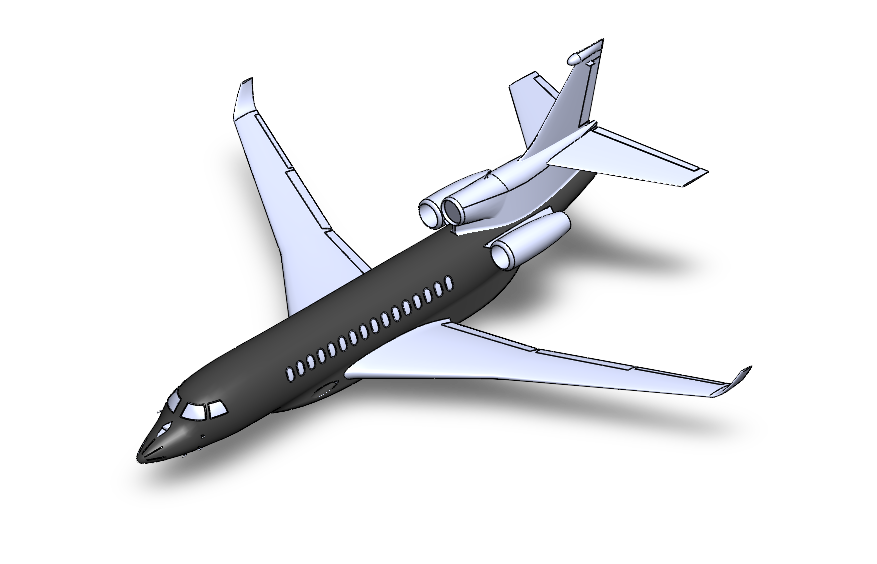
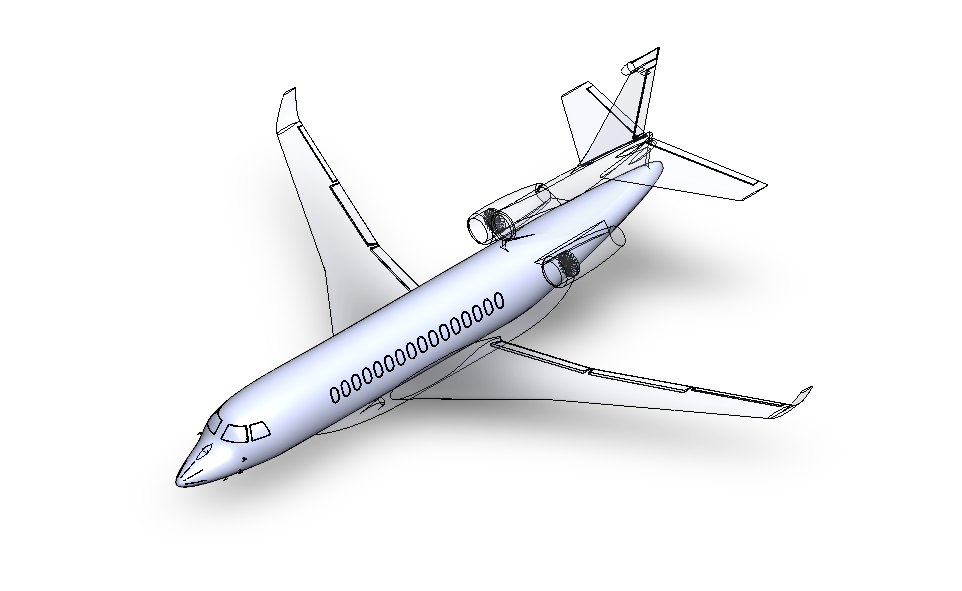
Use the thumbnail image as the base image and the attached reference image only as a guide for determining which parts should be solid and which parts should be wireframe.
Keep the colors, textures, materials, lighting, camera angle, proportions, and overall appearance exactly as they are in the thumbnail. Do not change the design or visual style.
The only modification should be the representation of the components:
The black-colored parts shown in the reference plane model should appear as solid/shaded components.
All remaining components, which are grey in ref model, should appear as wireframe.
Follow the reference image specifically to determine the solid vs. wireframe regions.
Also:
Change the lecture numbering from 2 to 3.
Rename “Fuselage” to “Fairing”.
Do not make any other changes to the thumbnail.
The final image should look identical to the original thumbnail except for the solid/wireframe representation, lecture number (2 → 3), and label change (Fuselage → Fairing).