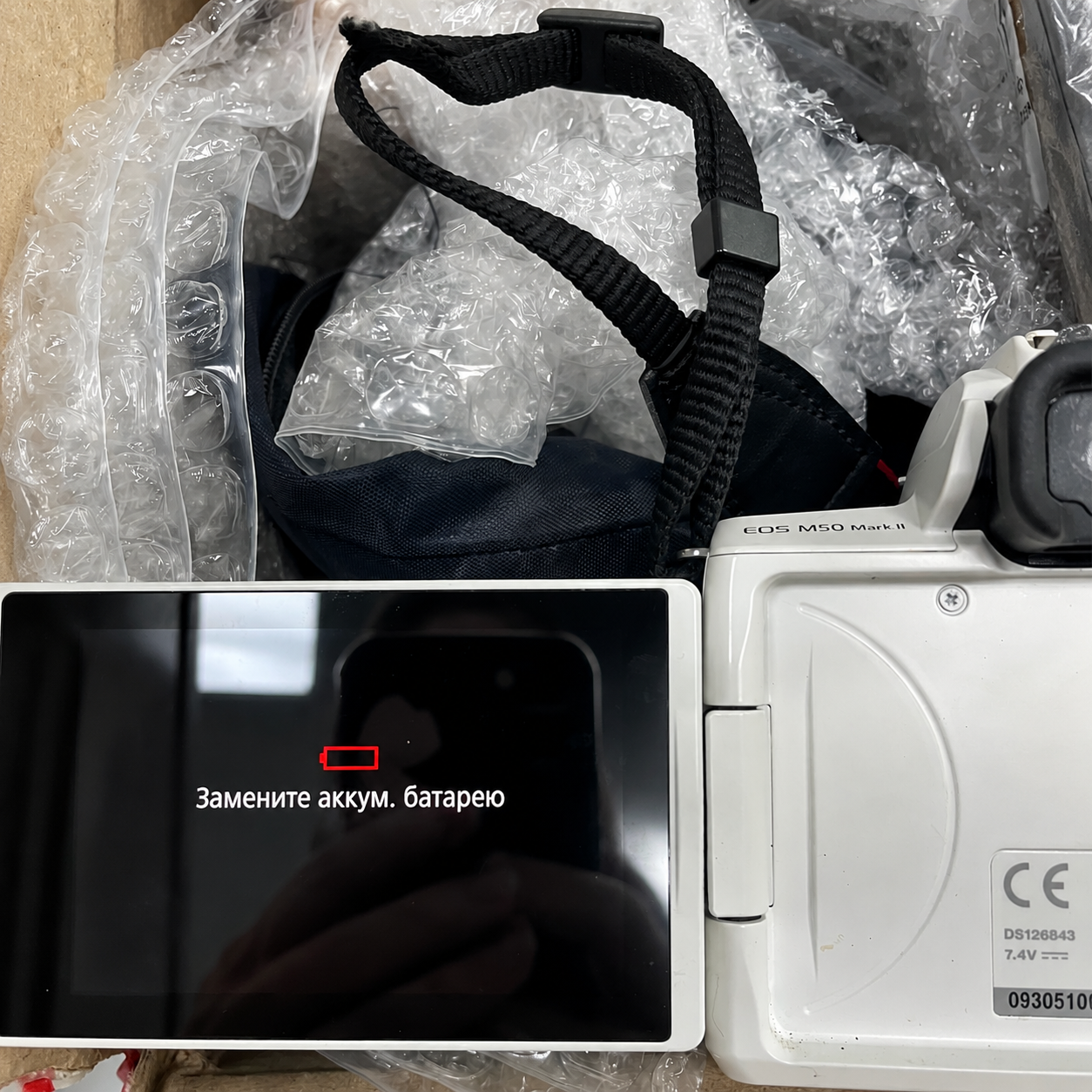
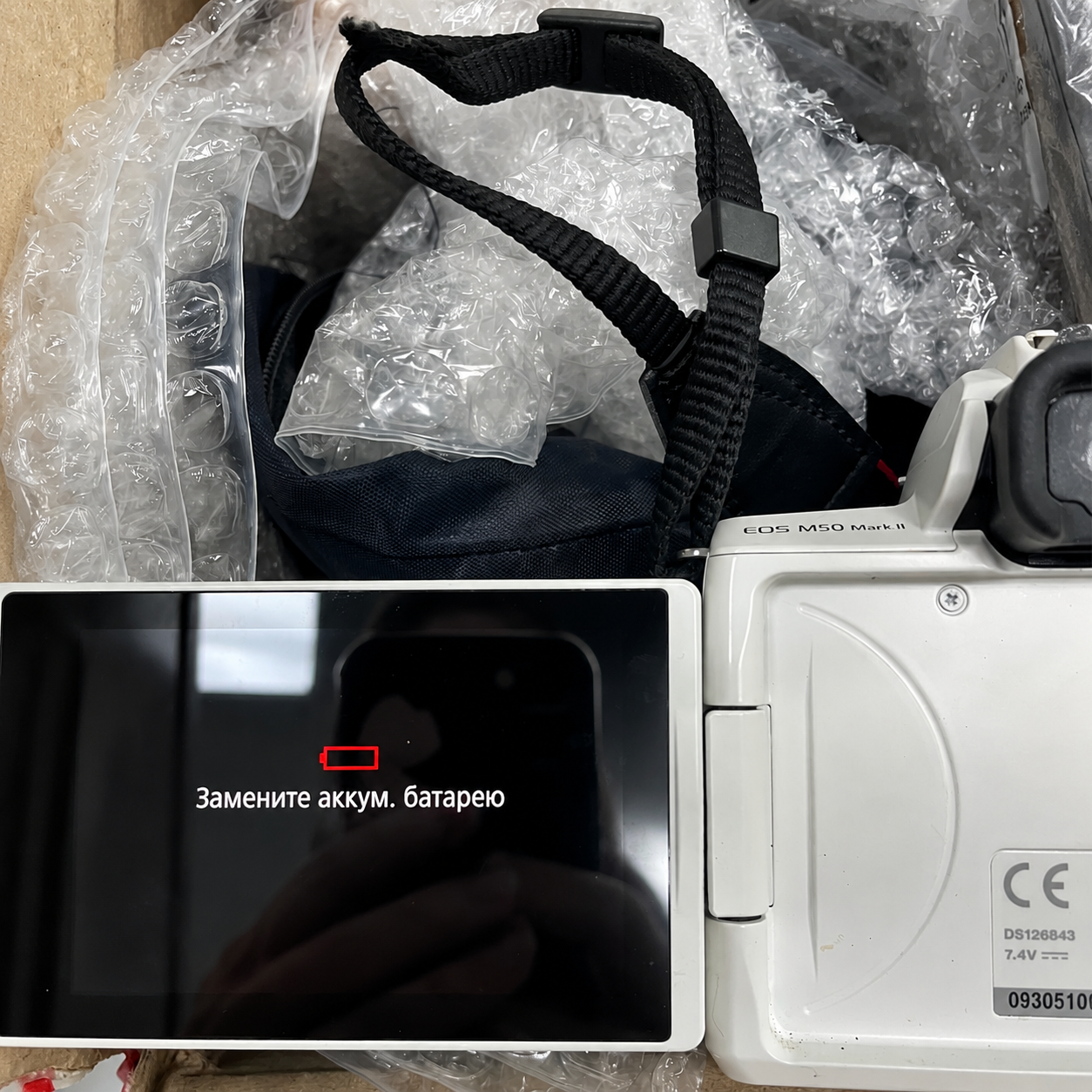
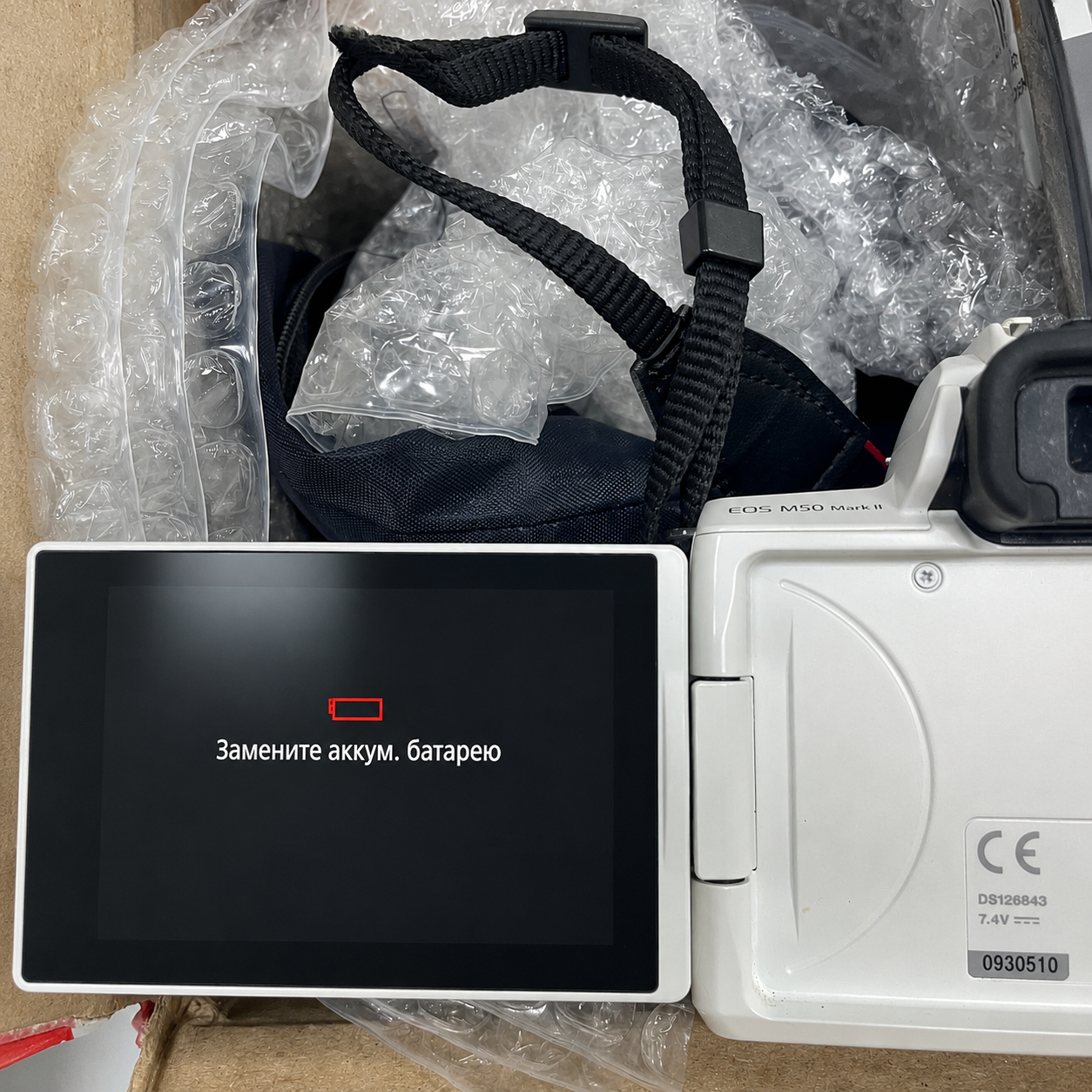
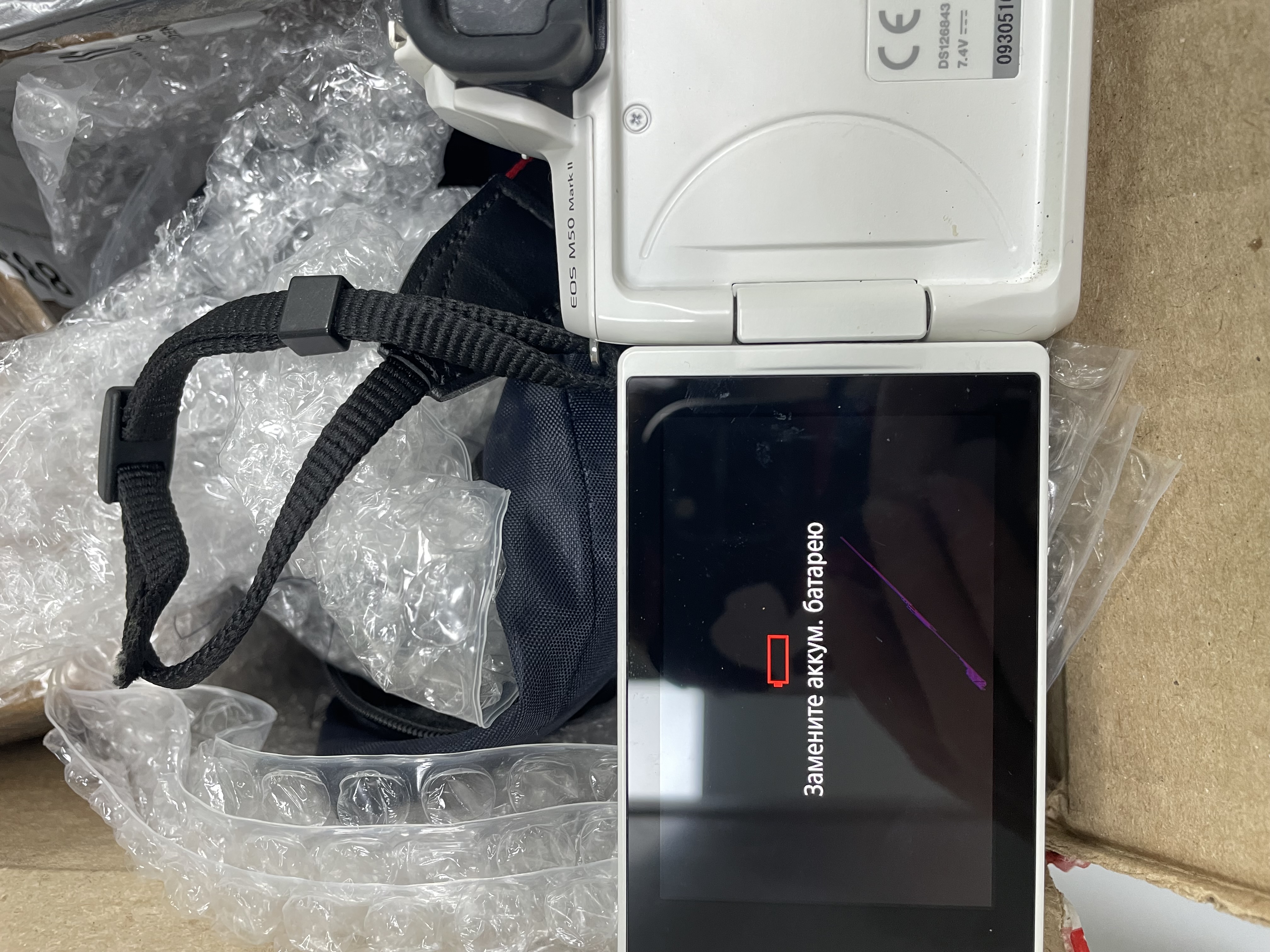
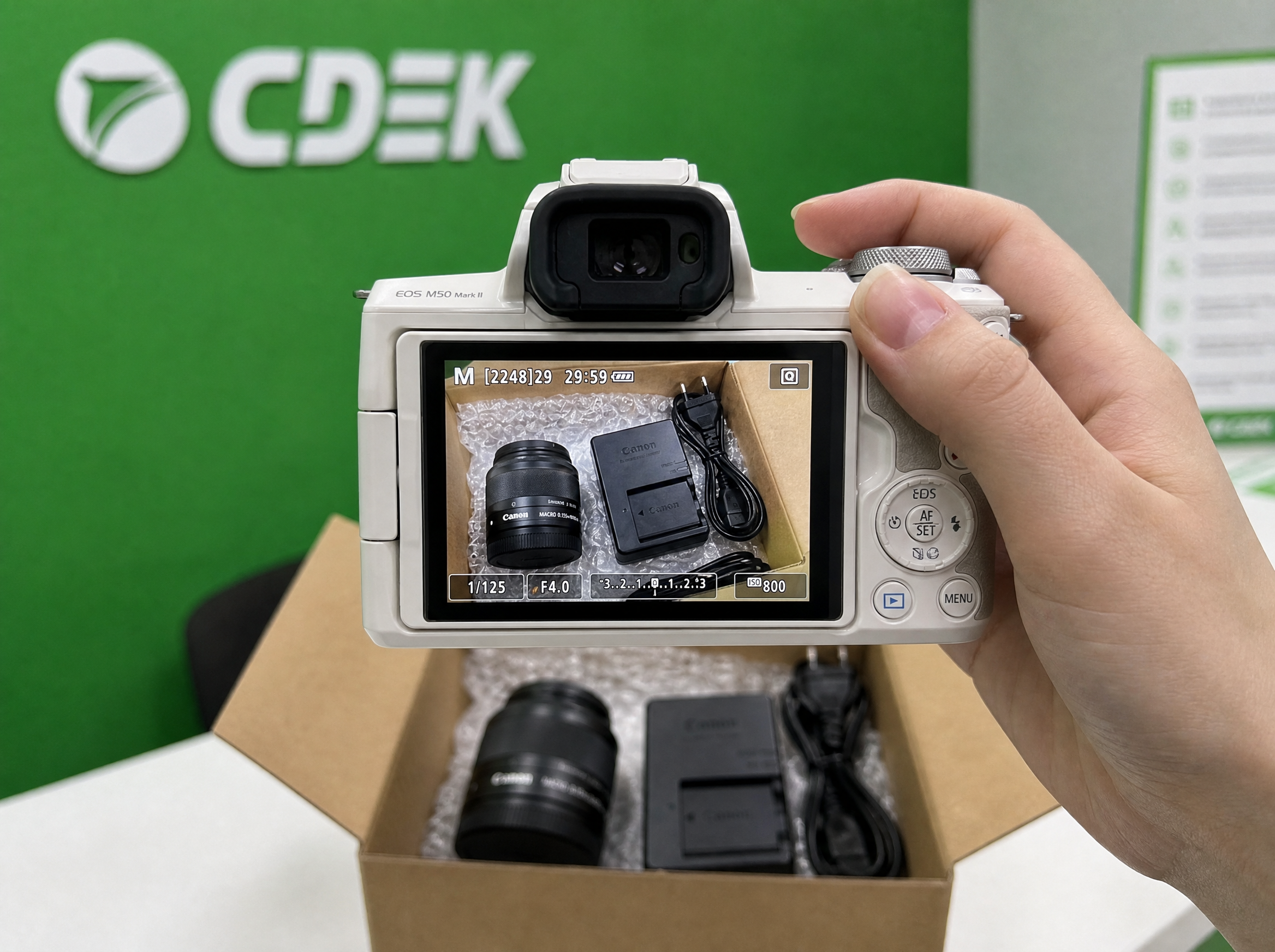
Modify the camera screen to be highly glossy, shiny, and reflective, with realistic light reflections on its surface. Remove the purple crack/scratch on the screen completely, making the glass perfectly smooth and clean. Keep all other details exactly the same as in the original image: the white Canon EOS M50 Mark II camera body, the red low battery icon, the Russian text 'Замените аккум. батарею' on the screen, the black camera strap, the bubble wrap, and the cardboard box in the background.