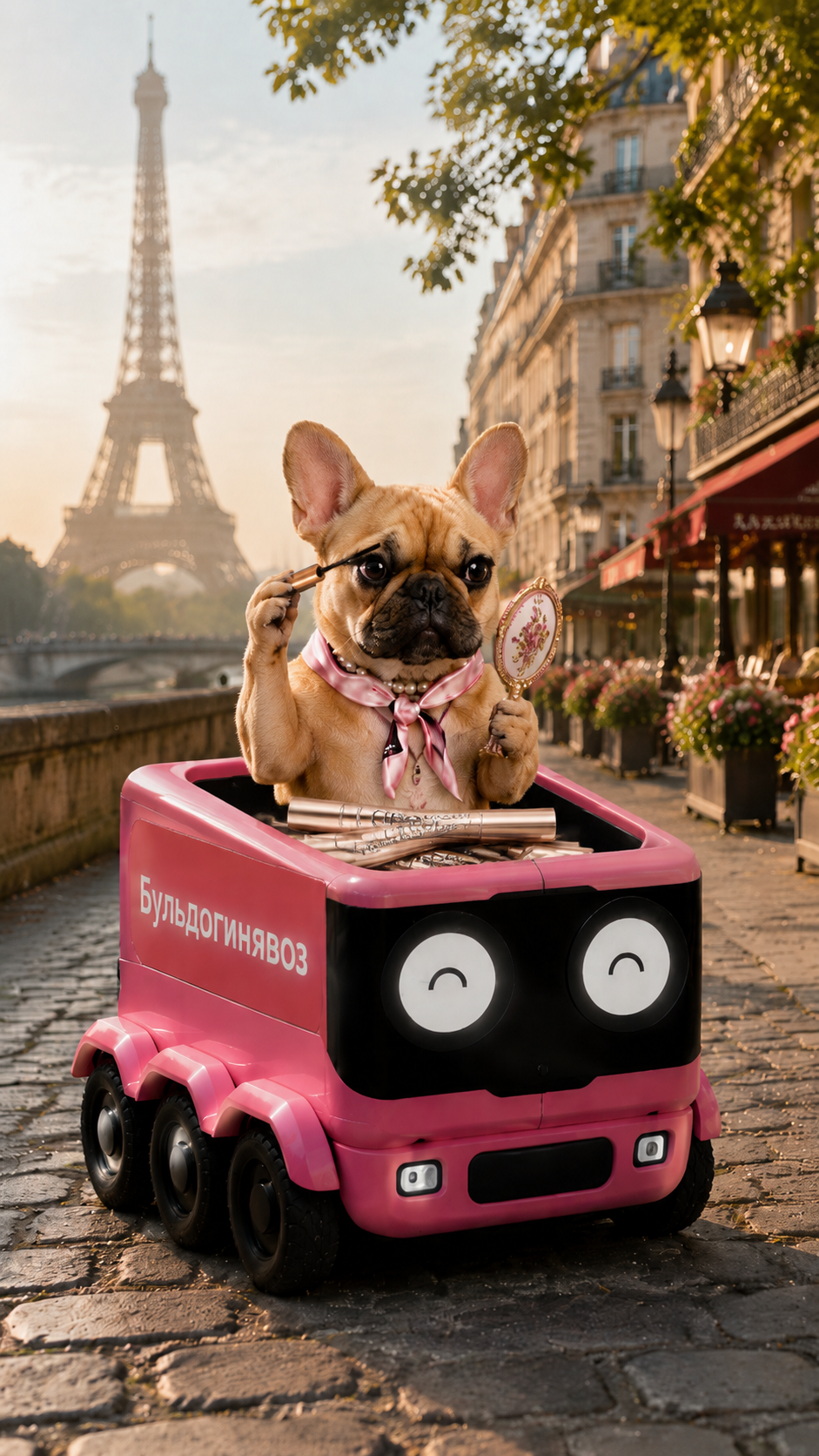

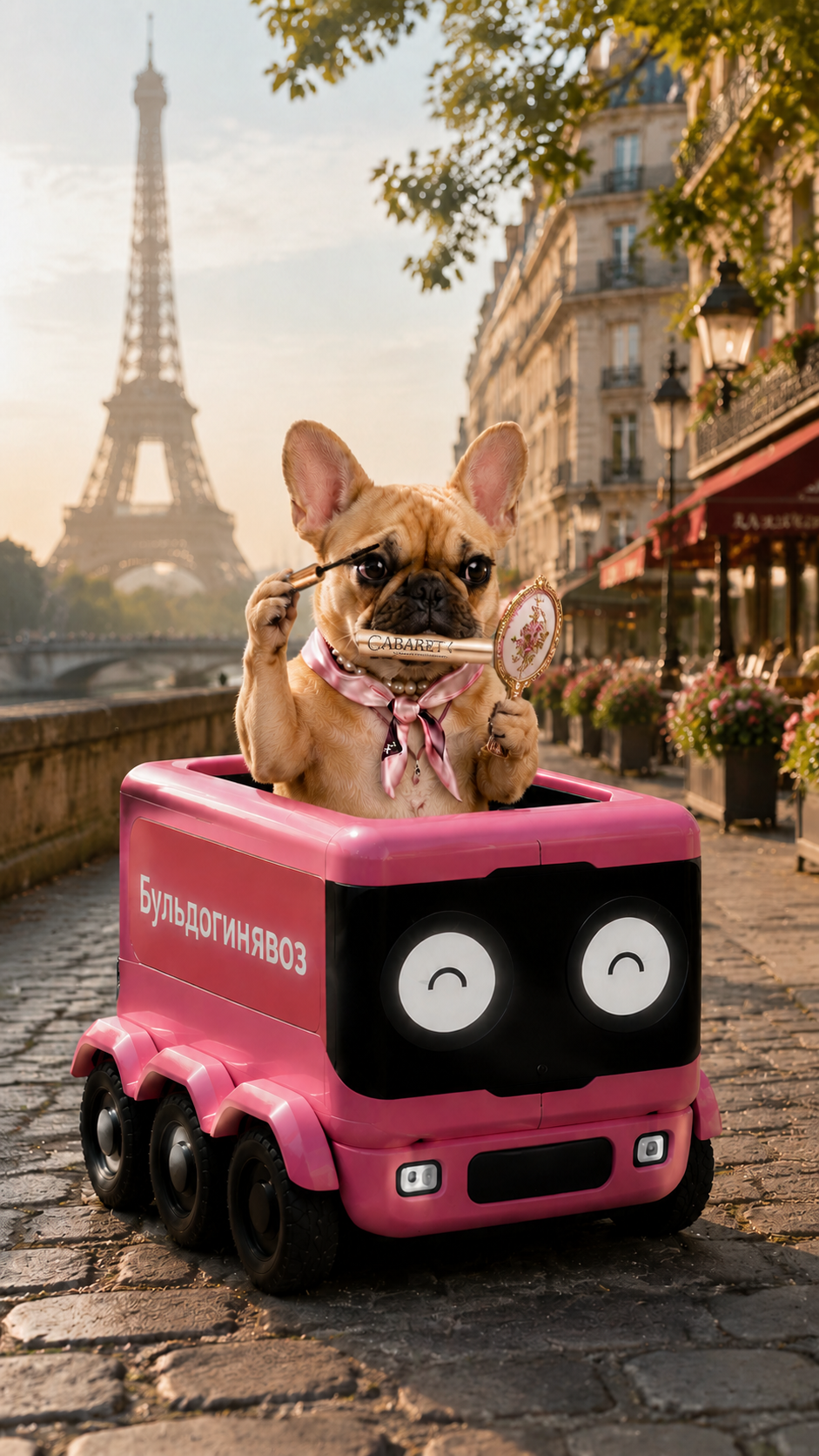
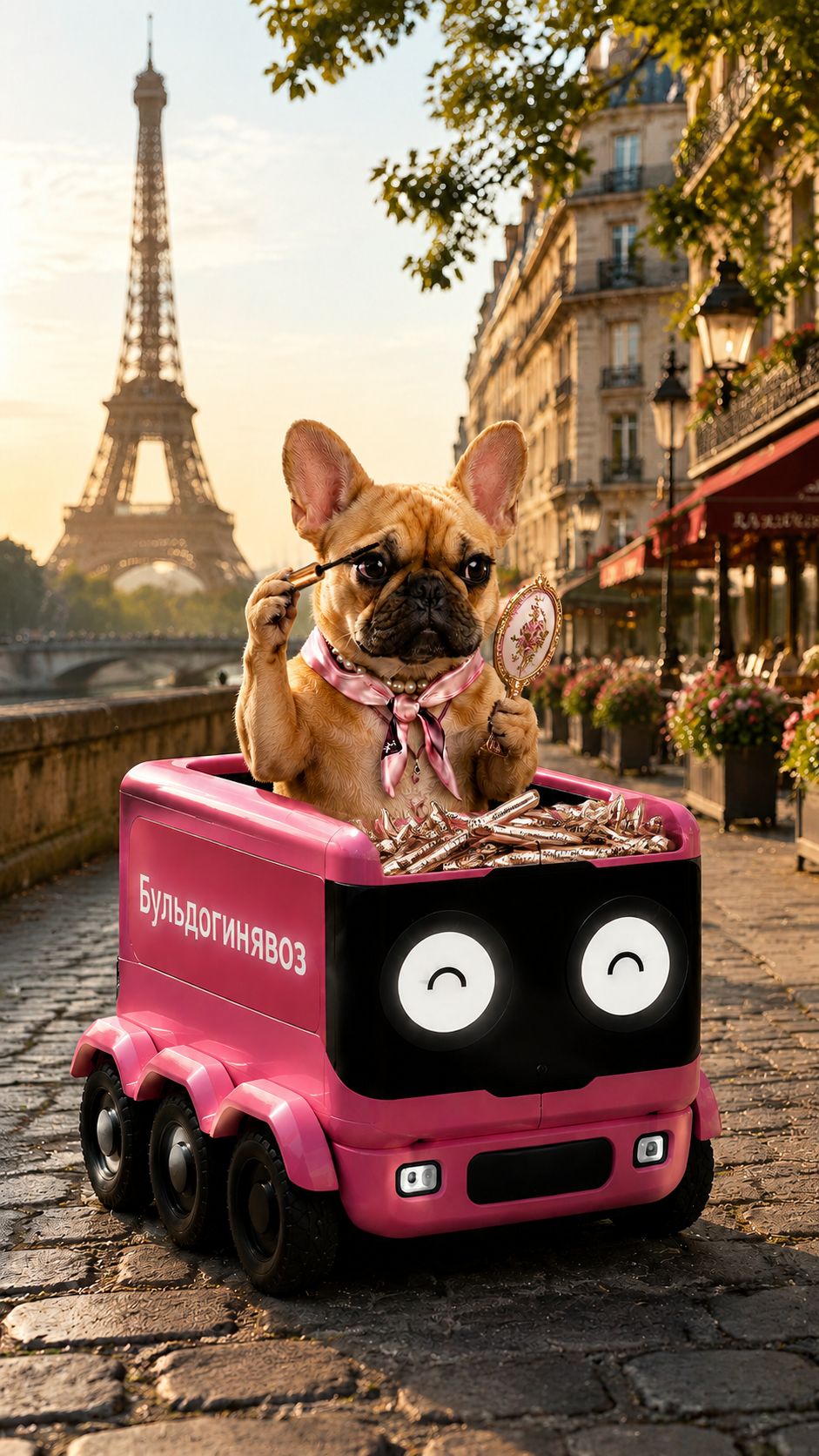
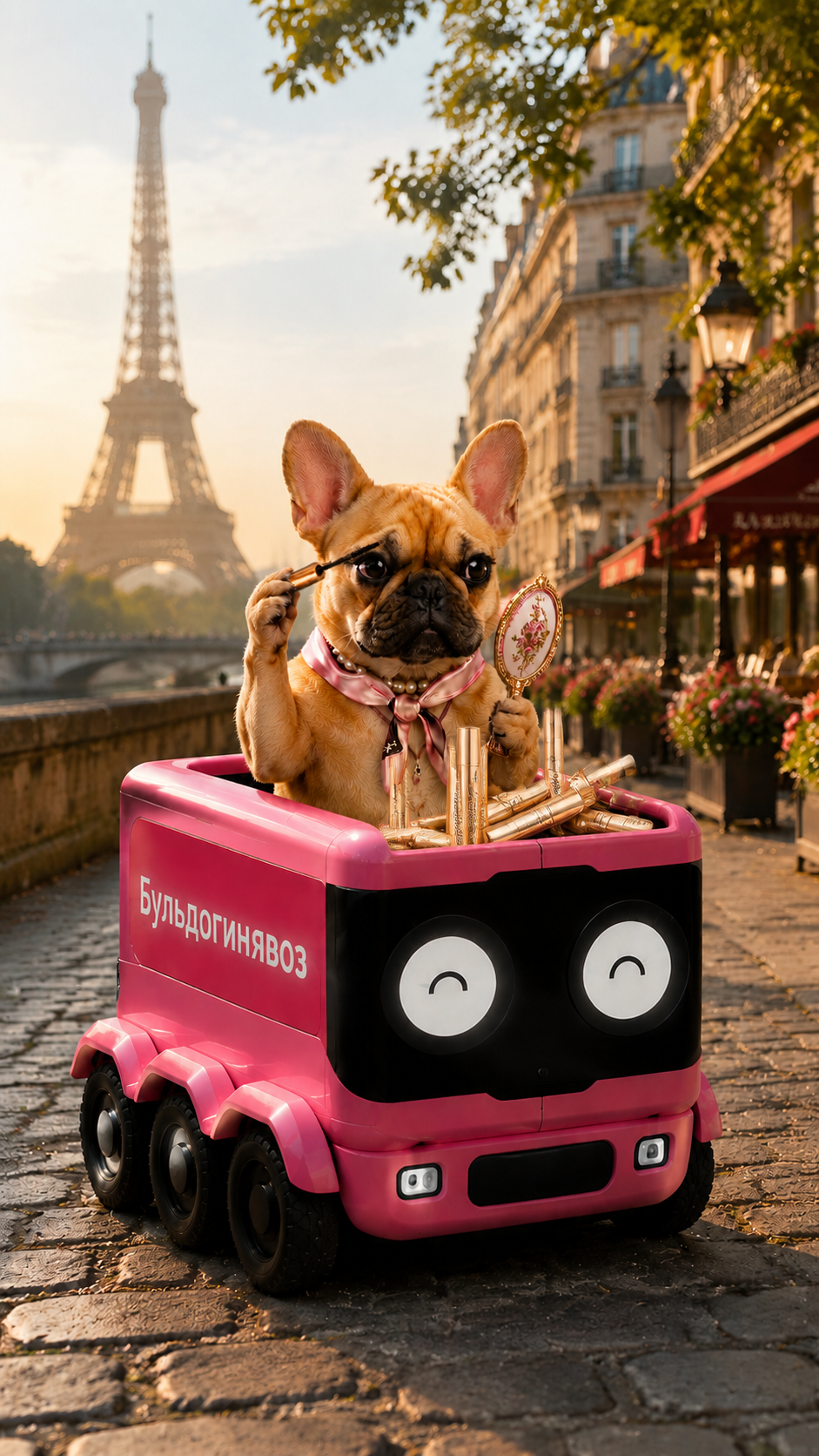
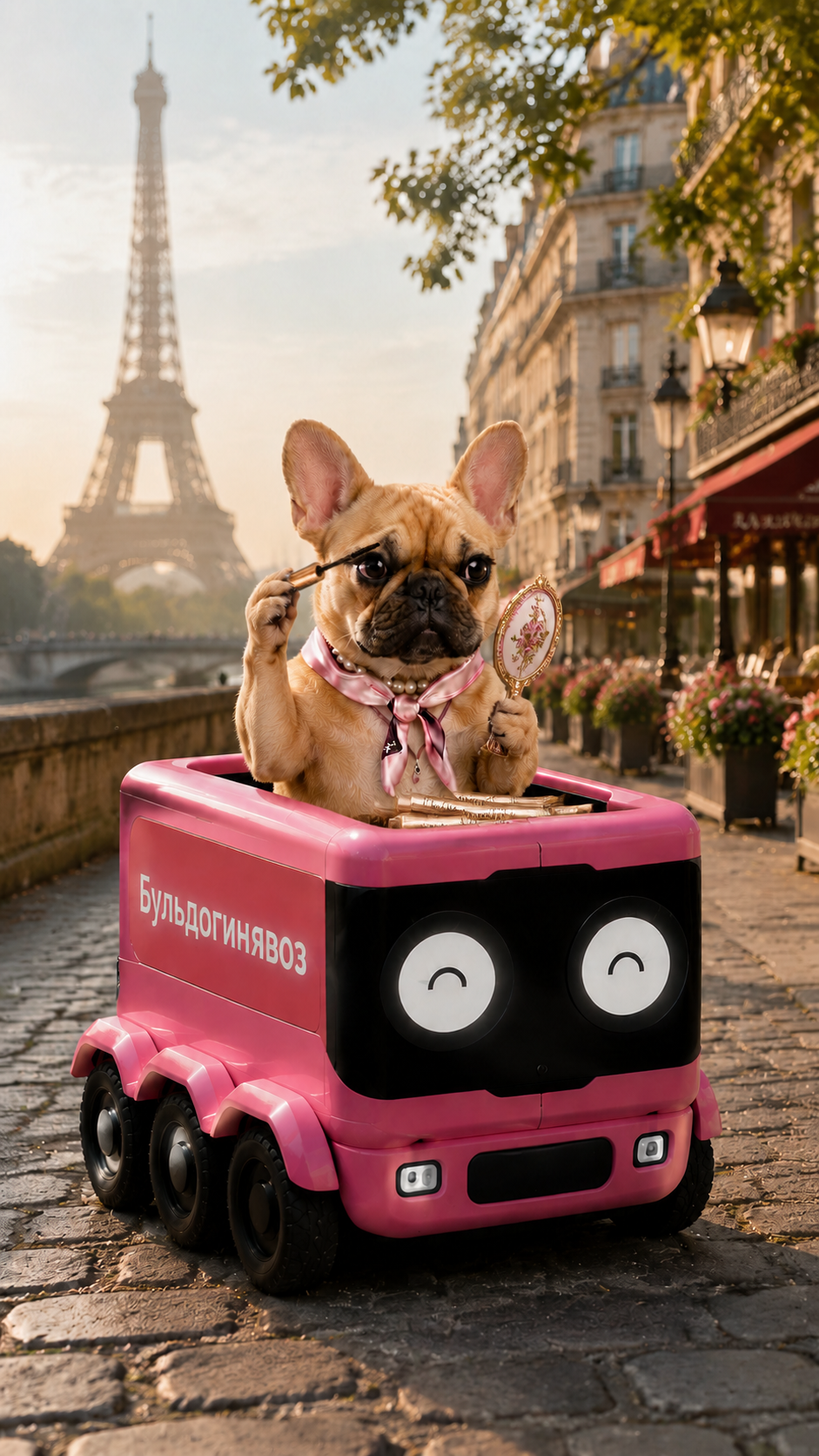
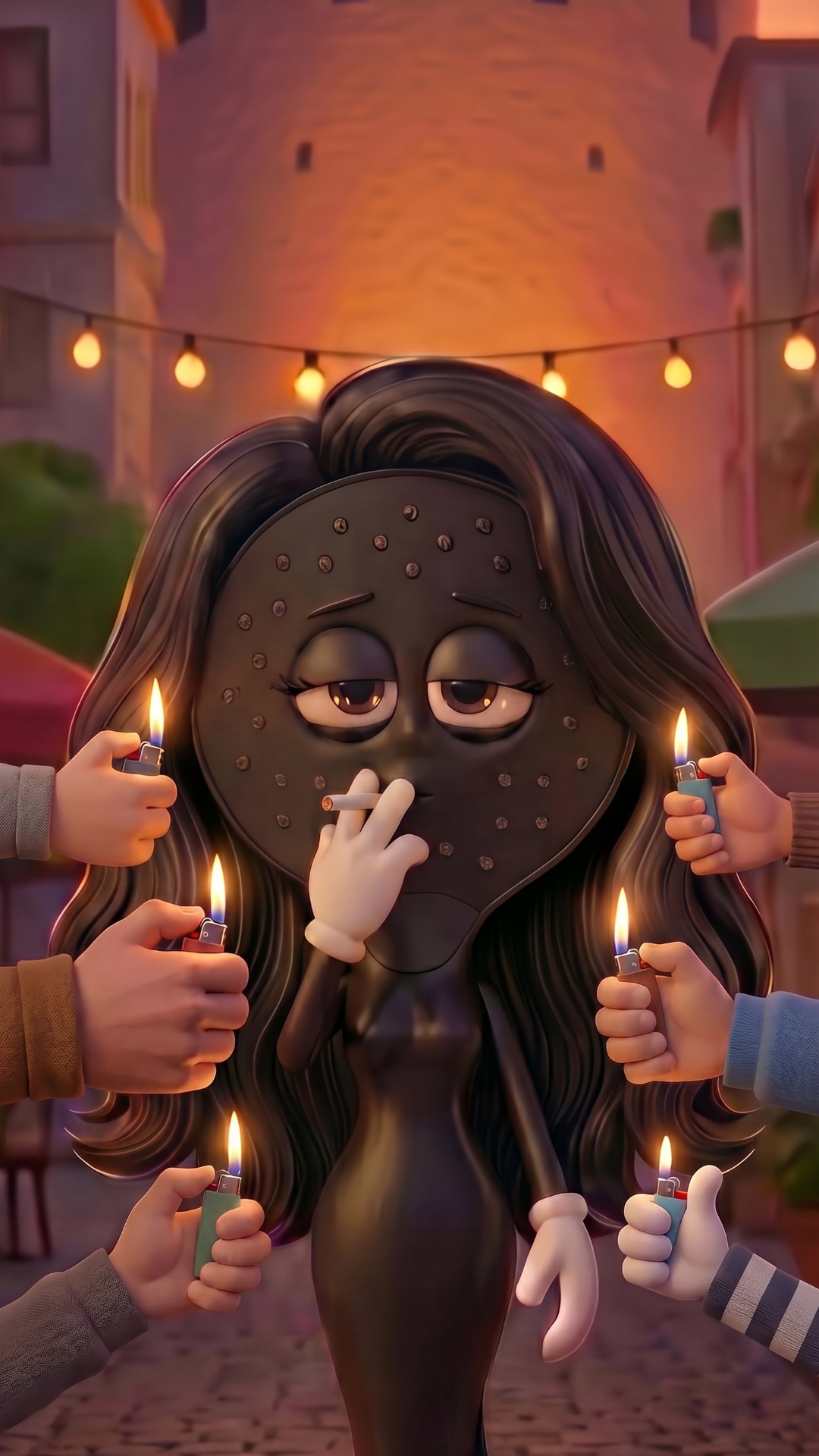
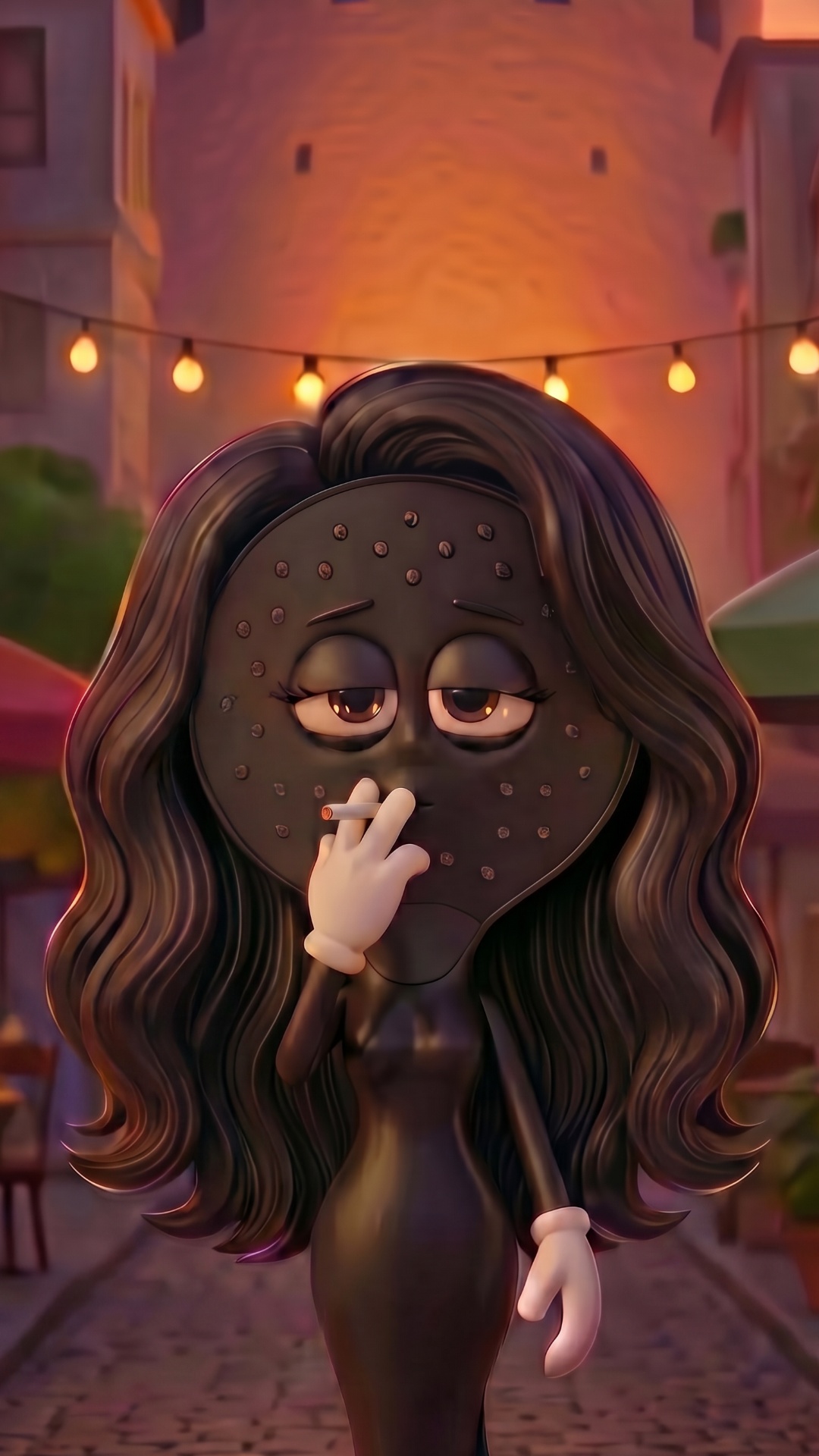
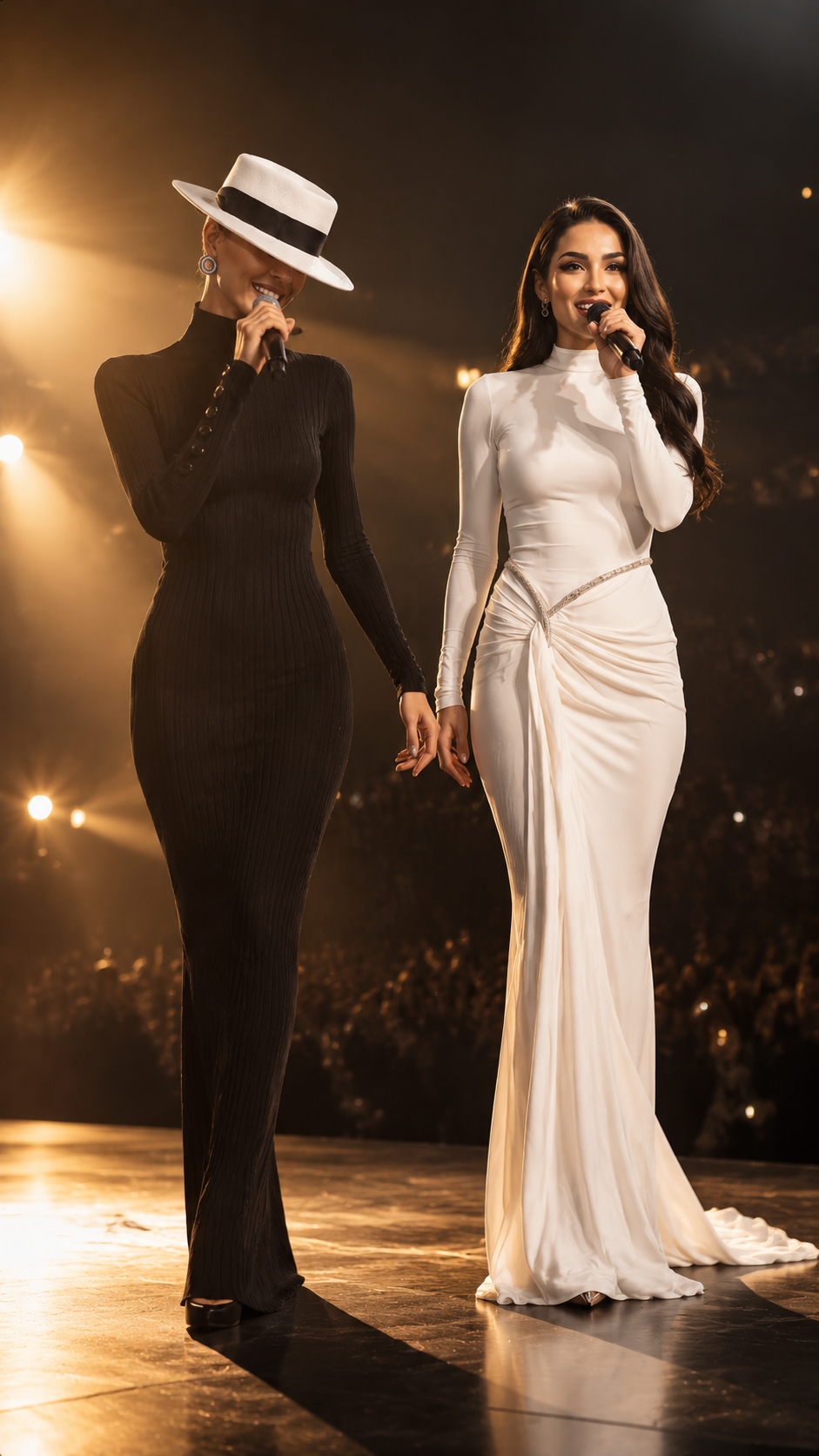
Edit image 1. Use image 2 only as a reference for the mascara tube design. This is a precise object insertion task, not a scene redesign. Keep absolutely everything from image 1 unchanged: * dog, * robot vehicle, * pose, * facial expression, * lighting, * colors, * contrast, * shadows, * camera angle, * depth of field, * background, * composition. Do not alter the image style or color grading in any way. Add only a few mascara tubes from image 2 inside the front compartment of the vehicle directly in front of the dog. Use the exact original mascara tube design, packaging, branding, typography and colors from image 2. The mascara tubes should appear naturally placed, as if they were already lying in the vehicle before the photo was taken. Only 4–8 visible tubes total. The tubes should be loosely scattered and partially overlapping in a realistic way. Avoid piles, stacks, rows, columns, displays, product arrangements or promotional layouts. The mascara tubes are a minor background detail and must not become a focal point. Preserve all existing objects, edges and textures from image 1. High-quality object insertion, seamless compositing, realistic occlusion, realistic contact shadows, no image regeneration, no scene reconstruction, no relighting, no recoloring, no style changes. Negative prompt: pile of products, large quantity, overflowing products, vertical standing tubes, product display, advertisement layout, altered colors, changed lighting, changed composition, changed dog, changed vehicle, image redraw, image reconstruction, duplicated products, merged products, overlapping labels, distorted packaging, floating objects, AI artifacts, watermark, logo.
Free to start · Generate videos and images with AI in seconds